 BottleneckCalcs
DLSS 5 Bottleneck Guide: Which CPU & GPU Do You Really Need? (2026)
On September 3, 2026, Nvidia switched on DLSS 5 for the public, starting with NBA 2K27. The reaction was immediate, and it wasn't only about whether the tech looks good. Gamers want to know one practical thing: will my PC handle it, and what will actually hold it back?
Here is the short version. DLSS 5 changes where your bottleneck sits. In the first independent tests, high-end GPUs at 1080p were being held back by the CPU before DLSS 5 was switched on. Turn it on, and the limit moves to the GPU's Tensor Cores. That is the opposite of what most people expect from a "DLSS" feature, and it changes how you should think about upgrades.
This guide covers what DLSS 5 is, which GPUs support it, what the early benchmarks show, and how to read your own CPU/GPU balance before you spend money.
Table of Contents
- What Is DLSS 5?
- Which GPUs Support DLSS 5?
- Why DLSS 5 Flips Your Bottleneck
- Early Performance Results
- Which GPU Do You Need at 1080p, 1440p and 4K?
- Does Your CPU Still Matter?
- VRAM, Power and Heat: The Hidden Limits
- Should You Upgrade for DLSS 5?
- How to Check Your Own Bottleneck
- Frequently Asked Questions
1. What Is DLSS 5?
Nvidia announced DLSS 5 on March 16, 2026, and it went live on September 3, 2026 at 9 PM Pacific. Nvidia calls the core feature 3D-Guided Neural Rendering. It is a different kind of tool from the DLSS features you already know:
- Super Resolution renders fewer pixels and upscales them.
- Frame Generation and Multi Frame Generation insert extra frames between real ones.
- DLSS 5 Neural Rendering changes how lighting and materials look inside each frame.
An AI model uses data from the game engine, such as the color buffer and motion vectors, to infer how skin, hair, cloth and lighting should look, then draws that into the final image. Jensen Huang described it as the "GPT moment for graphics."
It has also been controversial since the March reveal. Some critics call it an AI filter that overrides artistic intent. Reviewers who tried the first official implementation, built with the game's own artists, say it looks like a natural improvement rather than a cheap overlay. Whichever camp you are in, the performance cost is real, and that is what matters for your hardware.
Launch status: At the time of writing, NBA 2K27 is the only game with a verified DLSS 5 implementation. Nvidia has named around 15 more titles for the broader rollout, including Starfield, Assassin's Creed Shadows, Hogwarts Legacy and Oblivion Remastered. Each one still needs its own patch before the setting appears.
2. Which GPUs Support DLSS 5?
| GPU family | DLSS 5 status (late September 2026) |
|---|---|
| RTX 50 series (desktop and laptop, RTX 5050 to RTX 5090) | Supported |
| GeForce NOW | Supported (cloud GPU) |
| RTX 40 series | Planned, no public date |
| RTX 30 / RTX 20 series | No official support announced |
| GTX, AMD Radeon, Intel Arc | Not supported (DLSS needs RTX hardware) |
To turn it on in NBA 2K27, you need Nvidia's Game Ready Driver 616.64 WHQL and the in-game DLSS Neural Rendering option.
Nvidia first framed DLSS 5 as Blackwell-only, then said it plans to bring it to RTX 40-series cards later. Nobody outside Nvidia knows the date, so treat any specific RTX 40 timeline as a rumor until Nvidia publishes one. Community modders have already pushed leaked builds onto older GPUs, but those are unofficial and results are mixed, so do not plan a purchase around them.
3. Why DLSS 5 Flips Your Bottleneck
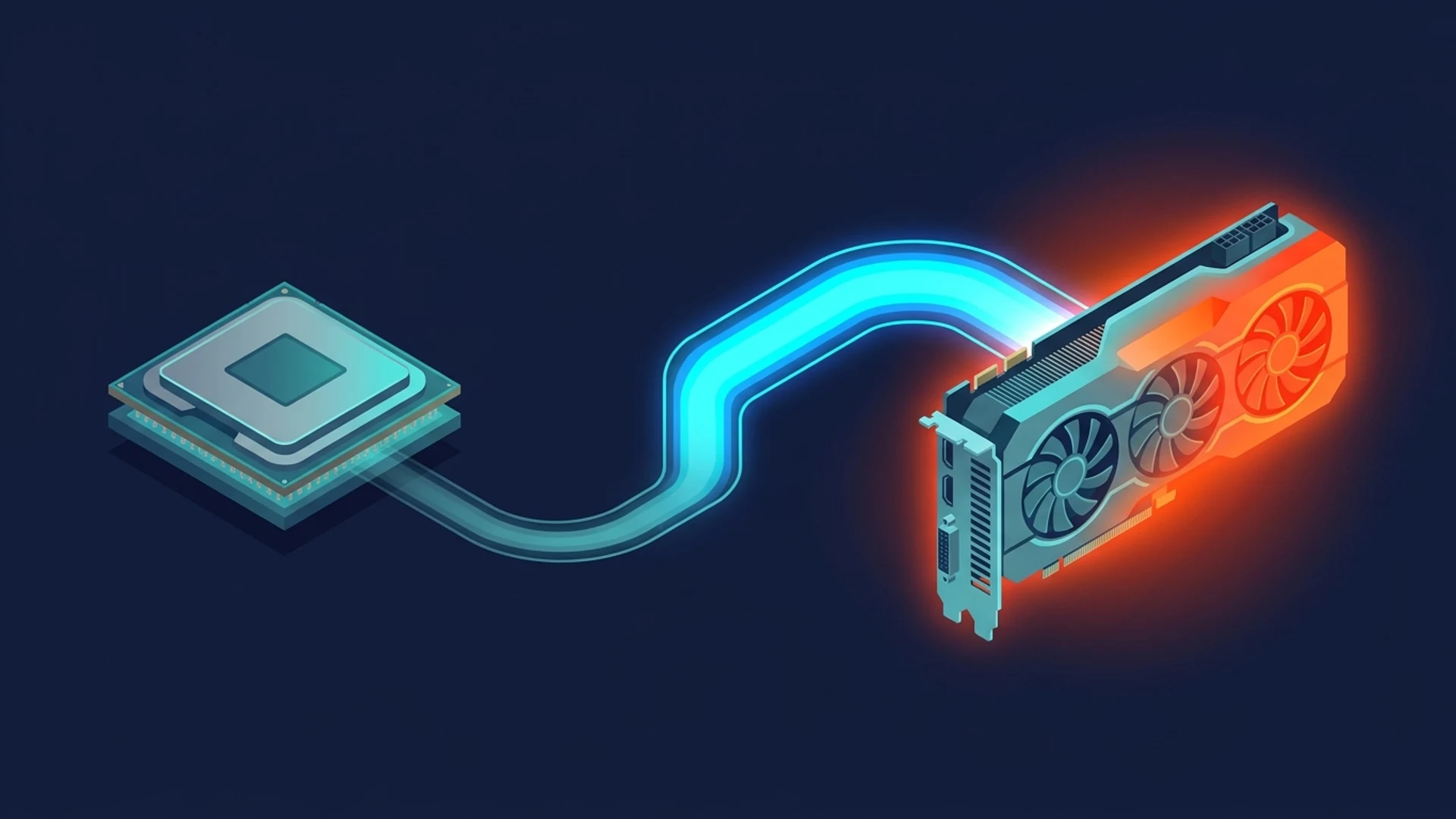
To understand this, recall what a bottleneck is: the slowest part of the chain sets your frame rate. In a normal game, either the CPU can't prepare frames fast enough (CPU-bound) or the GPU can't draw them fast enough (GPU-bound).
Before DLSS 5, a strong GPU at 1080p often sat waiting for the CPU. Tom's Hardware found exactly this in NBA 2K27: with DLSS 5 off, everything from the RTX 5070 up was CPU-bound at 1080p, even with maximum settings and ray tracing. At 1440p, the RTX 5080 and RTX 5090 were still CPU-limited.
Now turn DLSS 5 on. The Neural Rendering model has to generate every output frame, and that work lands on the GPU's Tensor Cores. Once it is enabled, the differences between cards show up clearly, because the GPU is suddenly the slower part of the chain.
There is a second twist. The cost of running the DLSS 5 model is a fixed amount per output frame, and it scales with your output resolution. That is why turning on DLSS Super Resolution helps less than you would expect. Upscaling from a lower input resolution shrinks the classic rendering work, but the DLSS 5 step at the end still has to happen at full output size.
In plain terms: with DLSS 5 on, your resolution matters more, not less. A higher output resolution makes the DLSS 5 step heavier, and lowering the internal render resolution does not remove that cost.
4. Early Performance Results
Every number below comes from NBA 2K27, the only shipping DLSS 5 game, at maximum settings with ray tracing. Treat them as a first snapshot, not a rule for every future title. Nvidia has said it will keep improving the model's performance, and it has already gone from needing a dedicated RTX 5090 in early demos to running on far smaller cards.
| Test | Without DLSS 5 | With DLSS 5 | Source |
|---|---|---|---|
| RTX 5090, 1080p native | ~180 FPS | ~134 FPS (about 26% lower) | DSOGaming, via FPS Review roundup |
| RTX 5090, 4K native | ~192 FPS | ~76 FPS (roughly 60% lower) | GameGPU |
| RTX 5080, 3440x1440 | 240 FPS | 91 FPS | NeoTeo |
The pattern is the interesting part. The same RTX 5090 loses about a quarter of its frame rate at 1080p but well over half at 4K. That gap is the bottleneck shift in action: at 1080p the game was partly CPU-limited to begin with, so DLSS 5 eats a smaller share of the total frame time. At 4K the GPU was already doing the heavy lifting, so the extra Tensor Core work hits harder.
Multi Frame Generation can bring displayed frame rates back up. On the RTX 5080 test above, 4X frame generation reached 263 FPS and 6X reached 348 FPS. Those are displayed frames, not natively rendered ones, so they do not change the underlying workload or make the game feel as responsive as the numbers suggest.
5. Which GPU Do You Need at 1080p, 1440p and 4K?
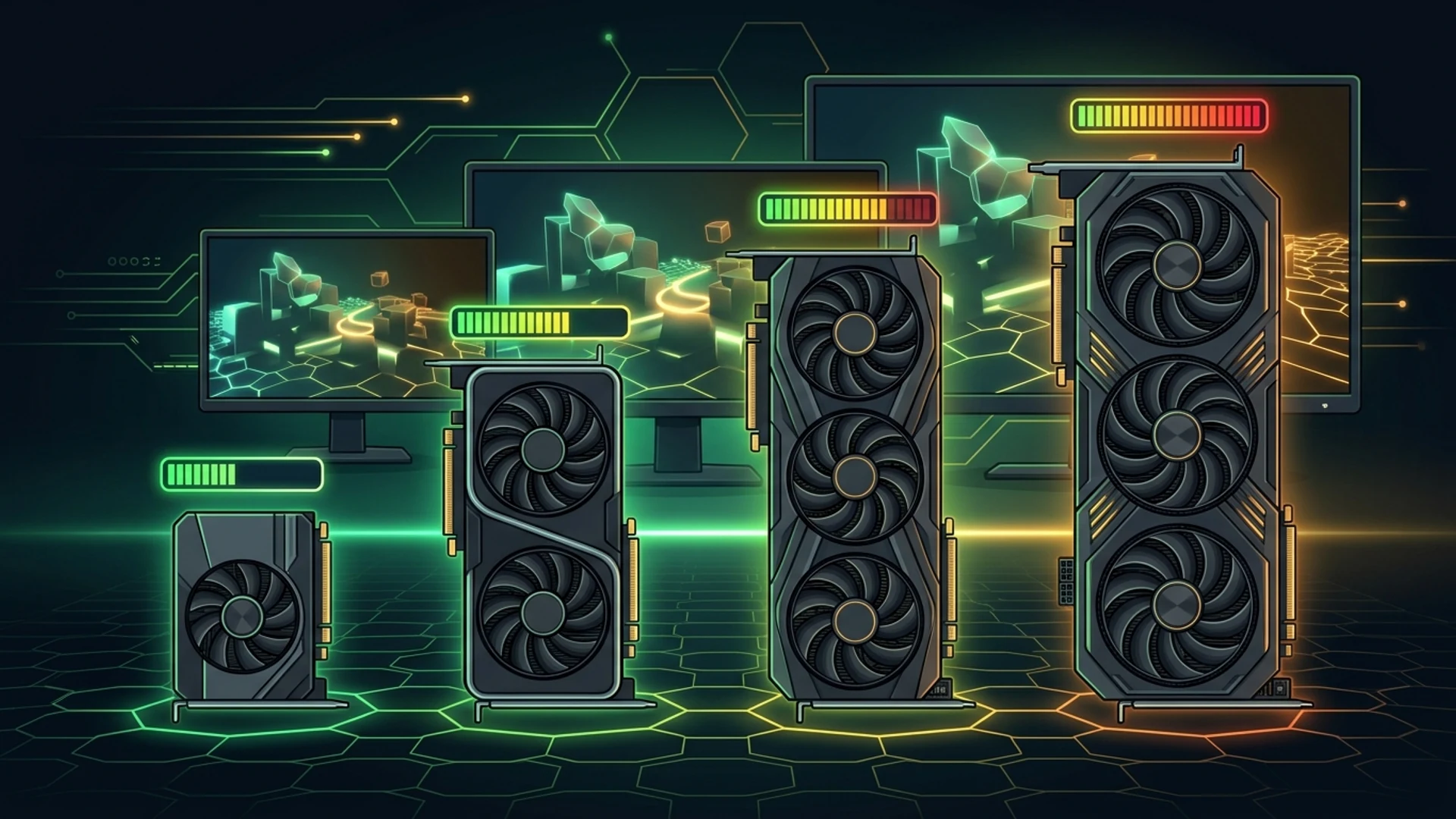
Based on Tom's Hardware's full RTX 50-series test in NBA 2K27, here is how the cards line up without Multi Frame Generation:
| Resolution | Practical entry point | Comfortable experience |
|---|---|---|
| 1080p | Almost any RTX 50 card. Even the RTX 5060 averaged close to 60 FPS. | RTX 5070 and above. Every card is a good candidate for adding Multi Frame Generation, though the RTX 5050 is borderline for latency. |
| 1440p | RTX 5060 Ti as a minimum for acceptable input latency | RTX 5070 as the true baseline. RTX 5070 Ti and RTX 5080 run fluidly even without frame generation. |
| 4K | RTX 5080 (on the edge of acceptable latency) | RTX 5090. Nvidia itself only recommends the RTX 5080 and RTX 5090 for 4K DLSS 5 in this game. |
Two cautions before you read too much into that table:
- It is one game. NBA 2K27 is a sports title with a fairly contained scene. Open-world games with heavier ray tracing may cost more.
- Latency matters as much as FPS. Frame generation adds delay. If your base frame rate with DLSS 5 is already low, adding more generated frames makes the game look smoother but feel slower.
6. Does Your CPU Still Matter?
Yes, but the CPU's job changes.
The Tom's Hardware test rig used an AMD Ryzen 7 9800X3D, one of the fastest gaming CPUs available. That is important context. On a top-tier CPU, the bottleneck flips to the GPU when DLSS 5 is on. On a slower CPU, you may hit a CPU limit first at 1080p and see less of a drop when you enable DLSS 5, because the GPU still has spare capacity while it waits.
Here is a useful way to think about it:
- Weak CPU + strong GPU at 1080p: you were CPU-bound before DLSS 5. Turning it on may cost you less than the headline numbers suggest, because the GPU had idle time to absorb the extra work.
- Strong CPU + mid-range GPU at 1440p or 4K: you were already GPU-bound. DLSS 5 will hit you hard, and a GPU upgrade is the lever that matters.
- Balanced build: the cost lands close to what reviewers measured.
So DLSS 5 doesn't make your CPU irrelevant. It just means that once Neural Rendering is on, your GPU is more likely to be the limiting part, especially at higher resolutions. If you are choosing between a CPU and GPU upgrade specifically for DLSS 5, the GPU usually comes first. Our Bottleneck Calculator can show you which side is more likely to limit your exact hardware.
7. VRAM, Power and Heat: The Hidden Limits
Frame rate is not the only ceiling DLSS 5 can hit.
VRAM. The RTX 5060 Ti 8GB, RTX 5060 and RTX 5050 all triggered "Low VRAM" warnings at 1440p with maxed settings. The DLSS 5 model, the game's assets and the Multi Frame Generation model all need to fit in memory at once. On 8GB cards you may need to turn off ray tracing or lower texture settings to use frame generation alongside DLSS 5.
Power. DLSS 5 puts a heavy load on the Tensor Cores, and power draw rises with it. At 1440p, everything from the RTX 5060 up to the RTX 5070 Ti ran at its power limit. At 4K, the RTX 5080 and RTX 5090 did too. One unconstrained RTX 5090 model averaged close to 850W on its own, delivering about 22% more performance for roughly 48% more power than the Founders Edition. Make sure your power supply has real headroom, especially with a flagship card.
Heat and connectors. Tech press has also reported very high power draw and warm 16-pin connectors under DLSS 5 load. If you run a high-end RTX 50 card, check that your cable is fully seated and your case airflow is solid. Our best CPU coolers guide can help keep the rest of the system cool.
Do not confuse bottlenecks with throttling. If DLSS 5 pushes your GPU to its power limit and clocks drop, that is a power or thermal limit, not a CPU/GPU imbalance. The fixes are different: better cooling and a stronger PSU, versus a different component pairing.
8. Should You Upgrade for DLSS 5?
For most people, not yet.
- DLSS 5 works in one game. A wider rollout is planned, but each title needs its own update.
- RTX 40 support is coming. If you own a 4070, 4080 or 4090, Nvidia says support is planned. Waiting costs you nothing.
- Prices are high. Tom's Hardware noted that many Blackwell cards, including the RTX 5060 Ti 16GB and RTX 5070, now sell for hundreds of dollars over their original prices. A hardware upgrade is no longer an easy call.
- Performance may improve. Nvidia has pledged to keep optimizing the model, and it has already come a long way since the first demos.
If you were already planning to buy an RTX 50 card, DLSS 5 is one more reason to choose the tier that matches your resolution: RTX 5070 or better for 1440p, RTX 5080 or 5090 for 4K. If your current card works well in the games you play today, there is no rush.
9. How to Check Your Own Bottleneck
Reviewer results tell you how a specific test rig behaves. Your PC is different. Here is a quick way to check where you stand:
- Run the BottleneckCalcs calculator. Pick your CPU, GPU, resolution and usage to see which part is more likely to limit you and by how much.
- Change the resolution. Compare 1080p, 1440p and 4K results for the same hardware. DLSS 5 is most demanding at high resolutions, so the GPU side of the balance is the one to watch.
- Check utilization while gaming. If GPU usage sits near 99%, you are GPU-bound. If it is low while one CPU core is maxed, you are CPU-bound.
- Look at VRAM and power. A GPU that is throttling on memory or watts needs a different fix than one that is simply outmatched.
For more background, see the FAQ on our homepage about why GPU utilization can be low while the CPU is maxed out.
10. Frequently Asked Questions
What is DLSS 5?
DLSS 5 is Nvidia's latest DLSS generation. Its main feature, 3D-Guided Neural Rendering, uses an AI model to improve how lighting, skin, hair and materials look inside a rendered frame. It is separate from, but designed to work with, Super Resolution and Multi Frame Generation.
When was DLSS 5 released?
DLSS 5 launched on September 3, 2026 at 9 PM Pacific Time. NBA 2K27 was the first game to support it.
Which graphics cards support DLSS 5?
All RTX 50-series desktop and laptop GPUs support it, plus GeForce NOW. RTX 40-series support is planned without a public date. RTX 30 and RTX 20 have no official plans, and GTX, AMD and Intel GPUs cannot run it.
Does DLSS 5 increase FPS?
No. On its own, DLSS 5 Neural Rendering lowers frame rate, because it adds a heavy AI step to each frame. Reviewers measured drops from about a quarter to well over half depending on resolution and GPU. Multi Frame Generation and Super Resolution can help recover displayed frame rates.
Does DLSS 5 cause a CPU bottleneck?
Usually the opposite. Because DLSS 5 adds GPU-side work, it tends to move the limit toward the GPU. In early tests, cards from the RTX 5070 up were CPU-bound at 1080p with DLSS 5 off, and became GPU-limited once it was on. A slower CPU can still cap your frame rate first.
Can my RTX 4090 run DLSS 5?
Not officially yet. Nvidia has said RTX 40 support is planned after it finishes tuning for RTX 50, but there is no release date. Unofficial mods exist, though they are not supported and results vary.
Is an RTX 5060 enough for DLSS 5?
At 1080p, in NBA 2K27, an RTX 5060 averaged close to 60 FPS with DLSS 5 enabled. At 1440p, reviewers recommend at least an RTX 5060 Ti, with the RTX 5070 as the real baseline for a good experience. Keep in mind the 8GB VRAM limit.
Do I need a new power supply for DLSS 5?
Not necessarily, but DLSS 5 raises GPU power draw noticeably. Many cards ran at their power limit in testing. If you have a high-end RTX 50 card, make sure your PSU has comfortable headroom and your power connector is fully seated.
Does DLSS 5 work with ray tracing and frame generation?
Yes. DLSS 5 is designed to sit alongside Super Resolution, Ray Reconstruction and Multi Frame Generation. On 8GB cards, running all of them at once with maxed settings can run into VRAM limits.
How can I tell if my PC will bottleneck with DLSS 5?
Use our free PC Bottleneck Calculator with your CPU, GPU and target resolution to see which part is more likely to hold you back, then compare against the reviewer results in this guide.
Sources & Further Reading
- Nvidia: DLSS 5 3D-Guided Neural Rendering debuts in NBA 2K27
- Tom's Hardware: We tested DLSS 5 in NBA 2K27 with every RTX 50-series GPU
- Tom's Hardware: Nvidia's DLSS 5 will launch September 3 with NBA 2K27
- TweakTown: DLSS 5 in NBA 2K27 performance analysis
- The FPS Review Weekender: DLSS 5 arrives in NBA 2K27
- NeoTeo: DLSS 5 NBA 2K27 performance tested on RTX 5080
- DLSS 5 system requirements and supported cards tracker
Performance figures come from third-party testing in a single game and will change as drivers, patches and new DLSS 5 titles arrive. We will update this guide when Nvidia confirms RTX 40 support.
Written by Adam Roy. For more hardware breakdowns, visit the BottleneckCalcs blog, including our guides on the RTX 5080 CPU pairing and the Nvidia N1X (RTX Spark).

Adam Roy
Founder of BottleneckCalcs and hardware performance expert. Adam specializes in PC architecture, web optimization, and creating data-driven tools for the hardware community.
View Full ProfileOptimizing your build?
Use our Bottleneck Calculator to ensure your CPU and GPU are perfectly matched for your next upgrade.
Check Your Bottleneck