 BottleneckCalcs
What CPU Pairs With the RTX 5080?
The RTX 5080 is fast enough to expose a weak CPU in seconds — you'll see it as low GPU usage, capped frame rates, and 1% lows that don't match your graphics card's price tag. Pair it with the right processor, though, and it's one of the best 1440p and 4K cards you can buy.
This guide covers both directions of the question: what CPU pairs with the RTX 5080, and — just as often searched — what's the best GPU for a Ryzen 7 9800X3D if you're building around the CPU first. If you want a build-specific answer rather than a general recommendation, run your exact combo through our free bottleneck calculator — it factors in resolution, RAM, and usage type, not just the chip names.
Quick Answer: Best CPUs for the RTX 5080
| Category / Tier | Recommended CPU | Why It Works |
|---|---|---|
| Best overall | AMD Ryzen 7 9800X3D | Leading 1440p/4K gaming performance, no bottleneck at any resolution |
| Best high-end / creator hybrid | AMD Ryzen 9 9950X3D2 | Matches the 9800X3D in games, adds serious multi-core headroom |
| Best Intel pairing | Intel Core Ultra 7 265K Plus / 270K Plus | Strong gaming plus much better productivity than older Arrow Lake chips |
| Best value pairing | AMD Ryzen 5 7600X3D | Near-flagship gaming performance for meaningfully less money |
| Avoid | Anything below a 6-core / 12-thread CPU, or older DDR4-only budget chips at 1440p | Will visibly bottleneck the RTX 5080, especially at 1080p/1440p |
How CPU/GPU Pairing Actually Works
A bottleneck happens when one component can't feed the other fast enough to use its full potential. With a card like the RTX 5080, the risk almost always runs in one direction: the GPU is waiting on the CPU, not the other way around. That shows up as GPU usage sitting well under 99% while your CPU (or a couple of its cores) sits pinned near 100%.
The lower your resolution, the more this matters — at 1080p the CPU has to feed far more frames per second, so a weak processor bottlenecks the RTX 5080 hard. At 4K, the GPU itself becomes the limiting factor in most games, which gives you more room to pair it with a mid-range CPU. We cover this resolution-by-resolution below, but if you want a second opinion on your specific setup, the bottleneck calculator will flag it instantly.

Best CPU for the RTX 5080 in 2026
Best Overall: AMD Ryzen 7 9800X3D
The 9800X3D remains the strongest all-round gaming CPU on the market in 2026 — eight cores, 16 threads, and AMD's large 3D V-Cache design, which gives it a real edge in CPU-heavy titles. It also runs cooler and more efficiently than the high-end Intel alternatives, so it doesn't demand an extreme cooling setup to hit its full potential alongside the RTX 5080. If you want a deeper look at keeping a build like this cool, see our best CPU coolers for 2026.
Best High-End / Hybrid Workloads: AMD Ryzen 9 9950X3D2
If you split time between gaming and heavier productivity work (video editing, 3D rendering, large compile jobs), the 9950X3D2's 16 cores and 32 threads give you serious multi-core headroom without giving up much — if anything — in-game versus the 9800X3D. It's the pricier option, and mostly worth it only if you actually use those extra cores outside of gaming.
Best Intel Pairing: Core Ultra 7 265K Plus / 270K Plus
AMD leads outright gaming performance right now, but Intel's Arrow Lake Refresh chips close the gap meaningfully while offering stronger multi-threaded performance for mixed workloads. If your platform preference or motherboard budget points you toward Intel, either of these is a solid, non-bottlenecking match for the RTX 5080 at 1440p and 4K.
Best Value Pairing: AMD Ryzen 5 7600X3D
Six cores, six threads, and the 3D V-Cache advantage make this a strong budget pairing for the RTX 5080 — especially at 1440p and 4K, where the GPU is doing more of the heavy lifting anyway. It's the CPU to consider if you'd rather put the saved budget toward RAM or storage instead of squeezing out the last few percent of CPU headroom.
What to Avoid
Quad-core or older six-core budget chips, and anything still limited to slower DDR4 platforms at higher clock speeds, will visibly hold back an RTX 5080 — particularly at 1080p and competitive esports frame rates. If you're upgrading a GPU into an older platform, it's worth checking your exact CPU against the card before you buy.
Best GPU for the Ryzen 7 9800X3D
Building around the CPU instead? The 9800X3D is strong enough that it won't meaningfully bottleneck any current GPU, so the right pairing comes down to your target resolution and budget rather than avoiding a CPU-side limit.
- 1440p, high refresh: RTX 5070 Ti is the sweet spot — enough headroom for 100+ fps in most titles without 4K pricing.
- 4K gaming: RTX 5080 is the natural match, giving the 9800X3D a GPU that can actually use its full frame-rate potential without the CPU getting in the way.
- Budget-conscious 1440p: RTX 5070 still pairs cleanly with the 9800X3D and avoids CPU bottlenecking in the vast majority of games.
One thing worth watching: Nvidia's rumored RTX 50 Super refresh (expected to bring VRAM bumps to the 5070, 5070 Ti, and 5080) has reportedly been pushed later into 2026 after missing CES. If you're not in a rush, it may be worth waiting to see final pricing and specs before locking in a 5070 Ti or 5080 purchase.
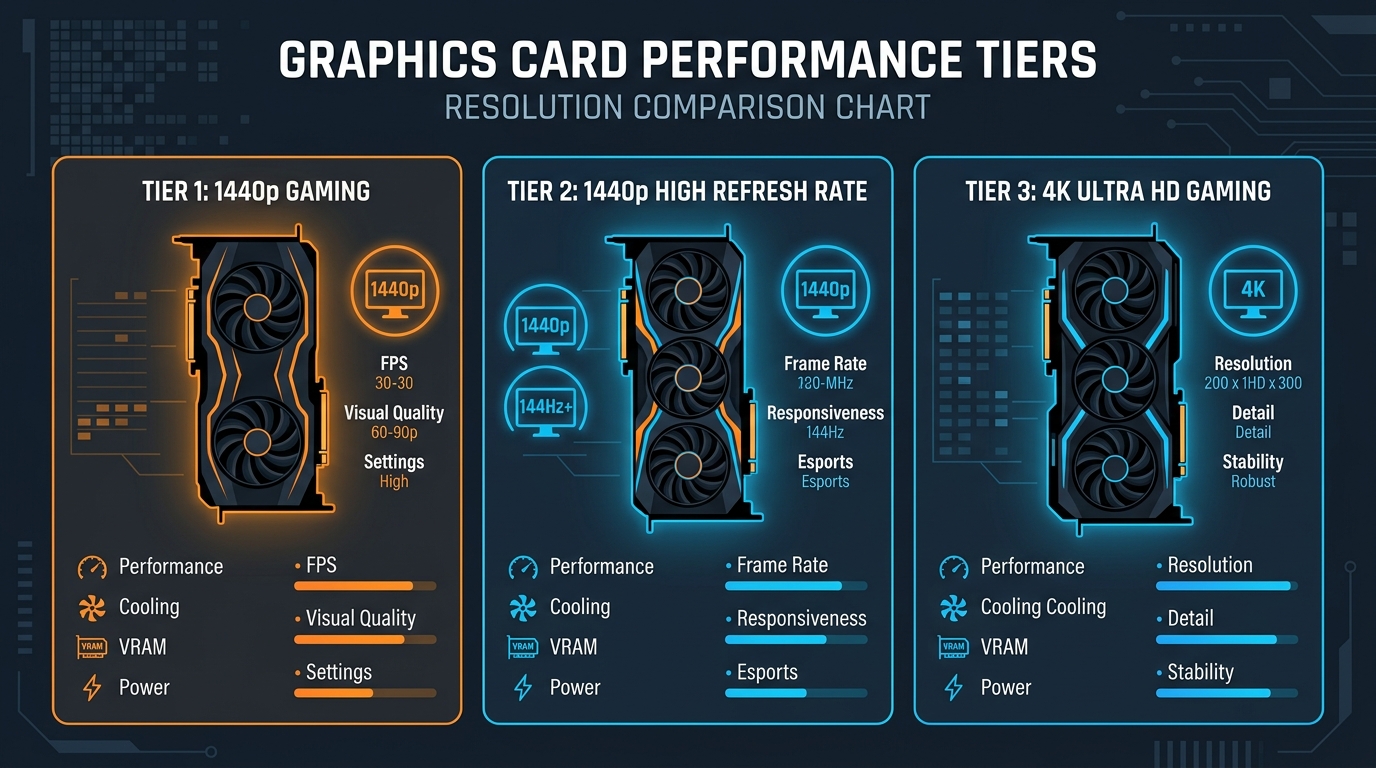
Resolution Matters: 1080p vs. 1440p vs. 4K
- 1080p: CPU-bound territory. Even the RTX 5080 needs a top-tier CPU (9800X3D, 9950X3D2, or a 265K/270K Plus) to avoid leaving performance on the table.
- 1440p: The balance point. Most of the CPUs above will keep pace with the RTX 5080 here, including the 7600X3D.
- 4K: GPU-bound in most titles. This is where a mid-range CPU paired with the RTX 5080 becomes genuinely viable, since the GPU itself is doing most of the work.
RAM, PSU, and Cooling Notes for This Pairing
DDR5 pricing has climbed enough in 2026 that it's changed some of the usual upgrade math — in certain cases, a cheaper DDR4-based platform can be a smarter value move than jumping straight to DDR5, even though DDR5 is faster on paper. Factor that into your total build cost before assuming a DDR5 platform is automatically worth it.
Also budget for cooling and power headroom: an RTX 5080 paired with any of the CPUs above is a build that benefits from a proper mid-to-high-end cooler rather than a stock heatsink. Our CPU cooler guide breaks down air and AIO options by price point if you're finalizing the rest of the parts list.
Check Your Exact Build
General pairing advice only goes so far — your actual bottleneck depends on your resolution, RAM, and what you're using the PC for. Run your specific CPU and GPU combo through the free bottleneck calculator to get a direct compatibility score instead of a generic recommendation.
Frequently Asked Questions
Does the RTX 5080 need a high-end CPU?
At 1440p and 4K, no — a mid-range CPU like the Ryzen 5 7600X3D will keep up in most games. At 1080p, a stronger CPU like the 9800X3D matters more.
Is the Ryzen 7 9800X3D overkill for the RTX 5080?
No — it's one of the best matches available for this card, especially at 1440p and above, and it won't be the limiting factor in your system.
Should I wait for the RTX 50 Super refresh before buying?
If you're not in a rush, it may be worth waiting for official pricing and specs, since the refresh is reportedly bringing VRAM increases to the 5070, 5070 Ti, and 5080 tiers.
Can DDR4 still work in an RTX 5080 build?
It can, particularly if it saves meaningful budget given current DDR5 prices — but confirm your specific CPU/RAM/GPU combo isn't leaving performance on the table using the bottleneck calculator.
Written by Adam Roy. For more hardware breakdowns, visit the BottleneckCalcs blog, including our guides on the Intel Arc G3 and the Nvidia N1X (RTX Spark).

Adam Roy
Founder of BottleneckCalcs and hardware performance expert. Adam specializes in PC architecture, web optimization, and creating data-driven tools for the hardware community.
View Full ProfileOptimizing your build?
Use our Bottleneck Calculator to ensure your CPU and GPU are perfectly matched for your next upgrade.
Check Your Bottleneck